MacBook? Neo vs Air: tell me who you are — I'll tell you which Mac fits
The gap is exactly €500. The MacBook Neo starts at around €599 new; the MacBook Air M5 at around €1,099. Every benchmark gives the Air a clear edge.
But for most everyday use, email, browsing, Slack, and video calls, both feel identical. The smarter question is which fits your life, and for how long you plan to keep it. A Neo used for two years runs about €300 per year. An Air used for four comes to around €275. Nearly the same per-year cost, very different machines. Buying either refurbished stretches the value further. See the full MacBook range, or read on for the quick verdict.
Here's who the Neo is for — and here's who the Air is for
The MacBook Neo is for students, first-time Mac buyers, and everyday users. For the price of one MacBook Air M5, you could buy a Neo and an entry-level iPad and still have money left over. That's a compelling option for anyone who wants both a laptop and a tablet.
The Air suits creators, developers, and professionals who earn from their laptop or plan to keep it four-plus years. Every spec gap between these two machines is real. Whether any of those gaps affect your daily life is the actual question.
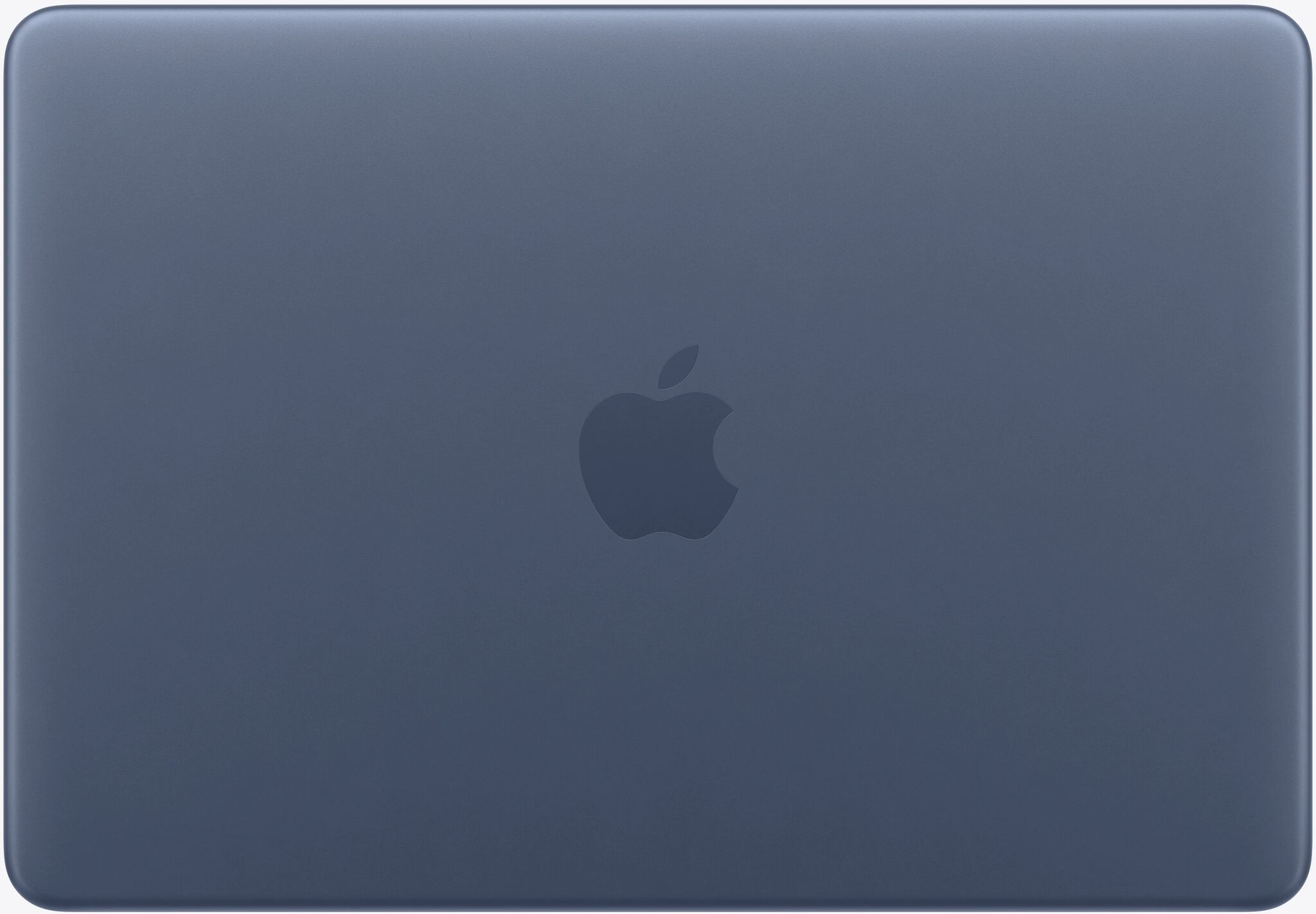
MacBook Neo vs MacBook Air: specs at a glance
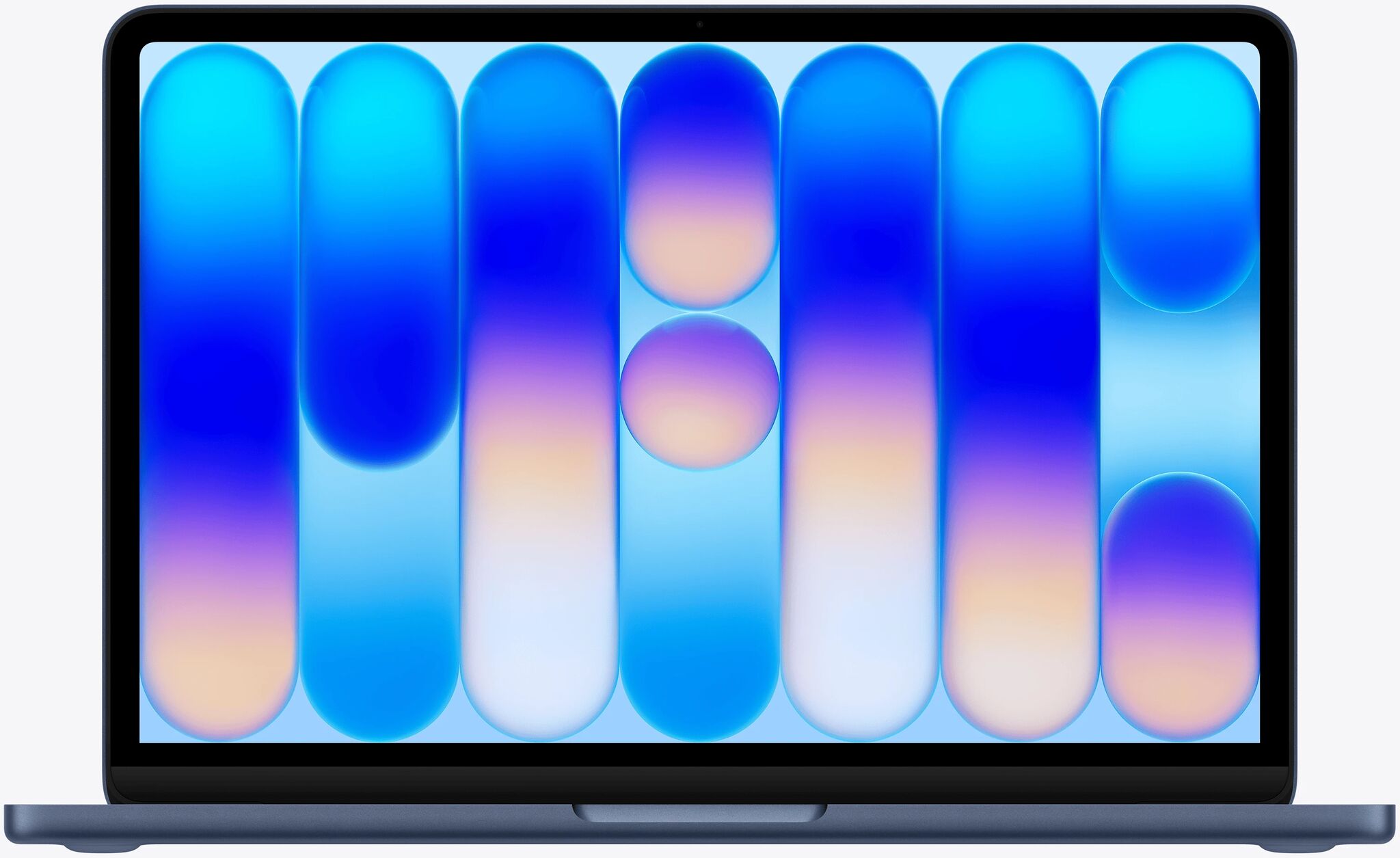
From 18 445 Kč
Display
13" IPS
Chip
Apple A18 Pro, 6-core CPU
Wi-Fi
Wi-Fi 6E (802.11ax)
Ports
USB-C 3.1, USB-C 2.0
Resolution
2,408 x 1,506
Keyboard
Not backlit
Touch ID
No
Webcam
Yes
Weight
1,230 g
Apple Intelligence
Yes
Operating System
macOS
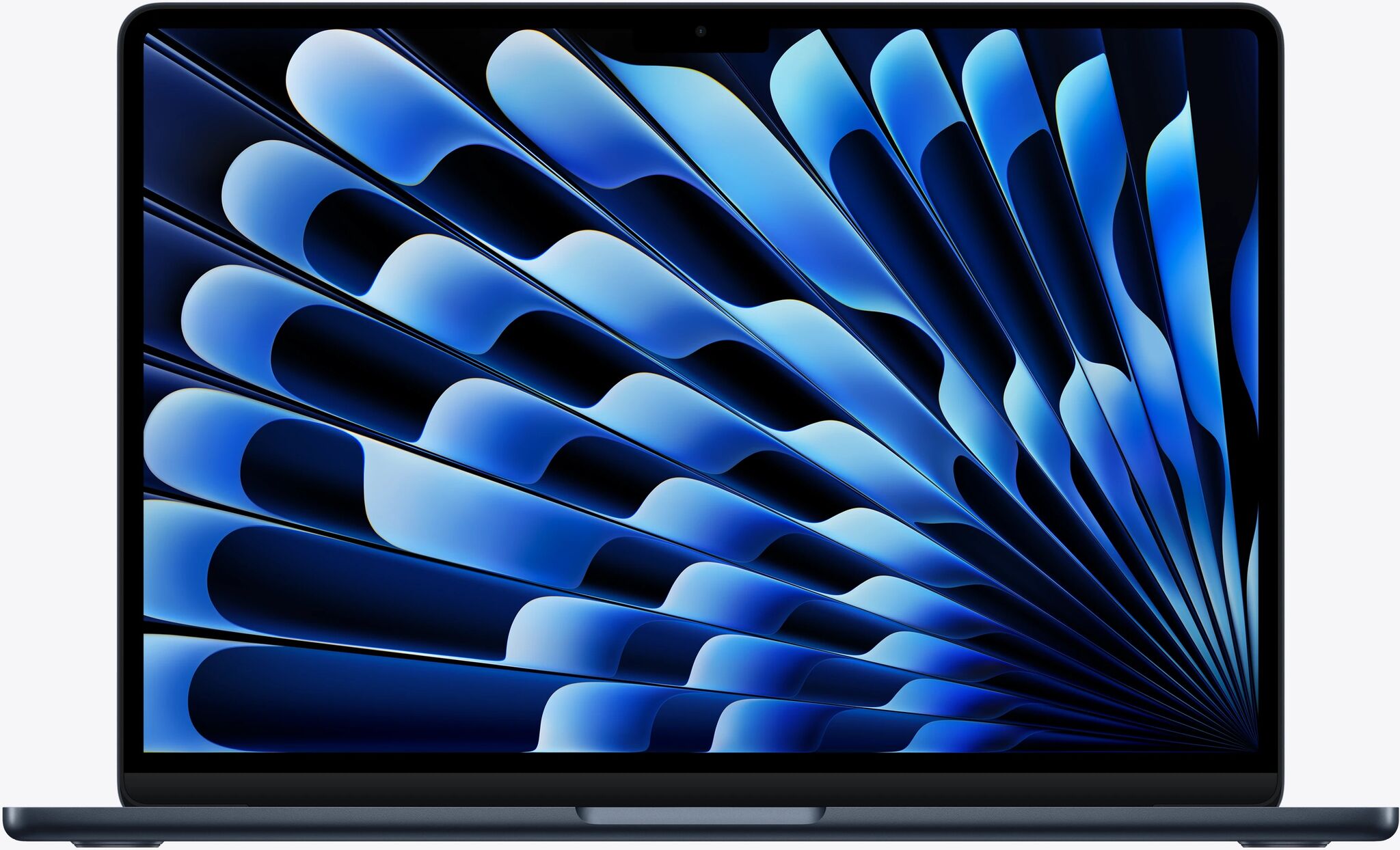
13.6" IPS
Apple M5, 10-core CPU
Wi-Fi 7 (802.11be)
2x Thunderbolt 4, MagSafe 3
2,560 x 1,664
Backlit
Yes
Yes
1,240 g
Yes
macOS
Chips and upgrade paths: A18 Pro, M5 — and the refurbished sweet spots in between
The A18 Pro in the MacBook Neo uses a 6-core CPU and 16-core Neural Engine. Single-core performance matches or beats the M1, M2, and M3. Multi-core sits around M2 territory. That is stronger than it sounds: the M1 was celebrated as one of the best laptop chips Apple ever made, and the A18 Pro outpaces it in single-core tasks. It supports Apple Intelligence fully.
The M5 in the MacBook Air brings a 10-core CPU and 16-core Neural Engine. Multi-core performance is roughly 2 to 3 times faster than the A18 Pro. Memory bandwidth reaches 153 GB/s on the Air vs 60 GB/s on the Neo, a meaningful gap for creative and data-heavy work.
The refurbished middle ground: not ready to spend €1,099 on the new Air but want more than the Neo? A refurbished MacBook Air M4 delivers near-M5 performance at a lower price. The M3 is a strong everyday chip. The M2 remains excellent value. The M1 outperforms the Neo on sustained multi-core tasks and adds Thunderbolt ports. Cost per year: a Neo at around €600 for two years works out to around €300 per year. An Air at around €1,099 over four years comes to around €275. Nearly equal per-year cost, different trade-offs.
RAM, storage, and the performance ceiling you might hit
The MacBook Neo ships with 8 GB of RAM, fixed and not upgradeable. For five open apps and normal browsing, that's fine. Push to ten-plus browser tabs, video editing software, and a video call running simultaneously, and it starts to approach its ceiling.
The part most reviewers missed: the Neo's SSD reads at around 1,598 MB/s; the Air's at around 6,775 MB/s. A roughly 4x gap. When RAM fills up, macOS uses the SSD as swap space. The Neo needs more swap and has a slower drive to swap from. Both pressures compound together.
Storage matters at the entry level too. The 256 GB base model leaves around 200 GB usable after macOS. For video, large photo libraries, or software projects, 512 GB is worth the extra spend. The 512 GB Neo also adds Touch ID, making it a stronger configuration overall.
For email, Word, Slack, Notion, and video calls, both machines feel identical. The Neo handles photo and video editing. Just more slowly under sustained load.
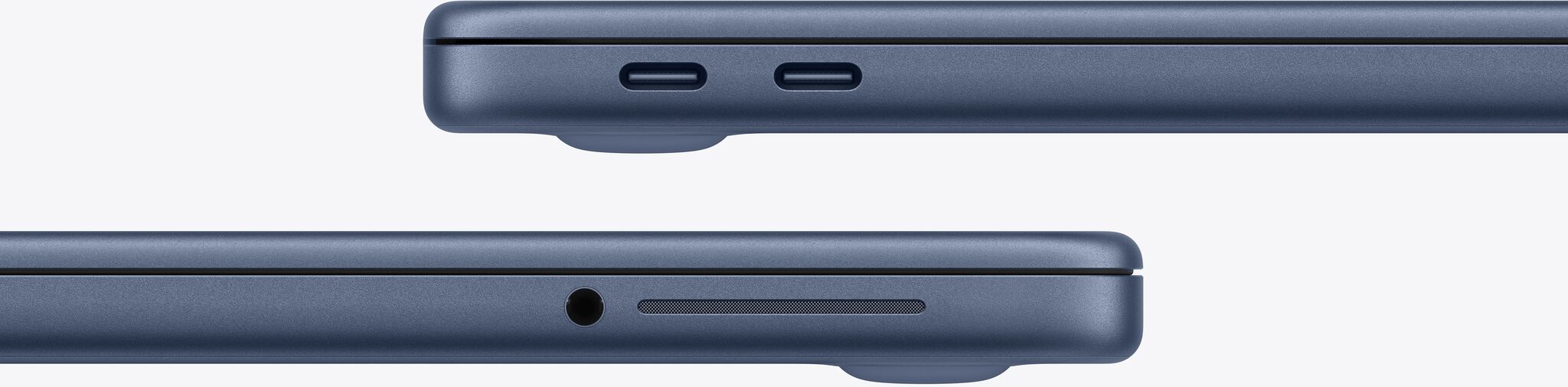
Screen, ports, and the small daily details that add up
The Neo's 13-inch IPS display covers the sRGB colour space. Blacks look grey in dark rooms. The screen also degrades noticeably beyond about 45 degrees of tilt, relevant for couch use, shared viewing, or desk setups where the lid isn't perpendicular. The Air's 13.6-inch display covers the wider P3 colour gamut with noticeably deeper contrast. One reviewer described it as 'looks like an OLED even though it's not.' No ambient light sensor on the Neo means brightness stays wherever you last set it.
Ports are a bigger gap than they appear. The Neo is the first Apple Silicon Mac without Thunderbolt. It supports one external 4K display only, and a 4K ultrawide monitor shows stretched or fuzzy output. A practical quirk: the faster USB port on the Neo is on the back, unlabelled by Apple. The instinct is to charge from the back and plug data devices into the front. That's backwards.
The Air adds MagSafe 3, 2x Thunderbolt 4, and dual display support up to 5K. The Neo has no keyboard backlight. The Air's Force Touch trackpad is quieter and more precise. The Neo's citrus yellow and blush pink colour options with matching keyboards are distinctive finishes the Air doesn't offer.
Battery and charging: the gap is bigger than it looks on paper
In normal mixed use, the Air delivers 12 to 15 hours. The Neo manages 8 to 10. Under sustained heavy use, one reviewer's session ended with the Air at 30% battery and the Neo at 3%.
Charging speed widens the gap. The Neo ships with a 20W charger, maxes at around 30W with a third-party brick, and takes roughly four hours for a full charge. The Air supports up to 70W fast charging via MagSafe 3, reaching 50% in around 26 minutes.
Both machines last a full workday on light to medium use. Battery matters most on the days you forgot to charge overnight. The Air's larger capacity is the cushion for those days. For anyone who reliably plugs in each night, both are workable all-day laptops.
Speakers, webcam, and a few things reviewers didn't expect
The Neo's speakers surprised reviewers. Side-firing rather than downward-facing, they produced better bass than the Air in one reviewer's direct comparison. An AppleInsider journalist at the hands-on event wrote: 'I originally thought they were SD card slots, those are actually the speaker ports.' The Air's 4-speaker array has better highs and overall clarity, but the bass result caught reviewers off guard. First side-firing speaker design on any Apple laptop.
The webcam gap is larger than specs suggest. The Air ships with a 12MP camera, Center Stage auto-framing, and Desk View, which simultaneously shows your face and a bird's-eye view of your desk. Genuinely useful for teachers, presenters, and remote workers, and widely overlooked by buyers. The Neo has a solid 1080p camera with dual mics, perfectly functional for calls.
One friction point on the base 256 GB Neo: no Touch ID, just a standard lock button. One reviewer described it as 'typing my password 30 times a day.' The 512 GB model adds Touch ID for €100 more, making it the recommended configuration. The Air includes Touch ID on all configurations. The Air also supports high-impedance wired headphones, a niche advantage for audiophiles using quality wired headphones.
Design direction, thermals, and the case against over-buying
The Neo's curved, rounded chassis is a design departure from the Air's sharper 2022-era look. One reviewer predicted this new aesthetic will define Apple's next MacBook design era. If that holds, Neo buyers get the more forward-looking machine visually.
Both machines are fanless and both throttle under sustained heavy workloads. Worth noting: the M5 Air throttles more aggressively than previous MacBook Airs in the same chassis. For hours-long renders or compilation jobs, a MacBook Pro with active cooling is the honest recommendation for either use case.
A counterintuitive point: future-proofing can backfire. Upgrading every two to three years to the right machine for your current workload can be more cost-effective than over-buying now and holding ageing hardware later. One reviewer put it plainly: 'Think about how long you've kept your last computer and divide the cost over how many years.'
One last thing: the Neo runs full macOS, not iOS. Same operating system, privacy, security, and app ecosystem as every other Mac. At the same price point, it outperforms Windows and Chromebook laptops on both performance and privacy.
MacBook Neo or Air: buy the Neo if... buy the Air if...
Buy the MacBook Neo if you:
- Are a student, first-time Mac buyer, or switching from Windows or Chromebook
- Mainly use email, browsing, Slack, Word, Notion, or video calls
- Want a secondary travel machine, a gift, or an accessible entry into macOS
- Create short social content: Reels, TikToks, Canva
- Want Apple Intelligence and full macOS at the lowest Mac price
Buy the MacBook Air M5 if you:
- Create video, podcasts, or music professionally
- Work in software development, data science, or run Docker locally
- Do RAW photo editing for clients or publication
- Plan to keep your laptop four-plus years
- Need dual monitor or ultrawide display support
- Want smooth performance in triple-A games
The MacBook Air 15" M5 adds more screen space at the same performance level, worth considering if you rarely work on the go.
The Neo isn't a toy. iFixit rated it the most repairable MacBook in 14 years, with a self-replaceable battery. Apple positioned it directly against Chromebooks in schools. As one reviewer put it: if you know what RAM is, the Air is probably your answer. If you just want a great Mac for everything you do daily, the Neo is genuinely impressive.
Refurbished MacBooks: smarter value, same great performance
Both the MacBook Neo and MacBook Air M5 are available on refurbed. Every listing includes a minimum 12-month warranty, a 30-day trial, and professional refurbishment to like-new condition.
The environmental saving from buying refurbished is larger than most buyers expect. Fraunhofer Institute research on comparable MacBook Air models puts the saving at around 284 kg of CO₂, 72,000 litres of water, and 1.3 kg of electronic waste per device compared to buying new. That is an 83 to 85 percent reduction across those three impact categories, spanning materials extraction, manufacturing, and transport.
A refurbished MacBook Air M3 or M4 from refurbed often lands between Neo and new Air M5 pricing, giving you more performance for less. The Neo’s iFixit repairability score adds long-term confidence: the most repairable MacBook in 14 years, with a battery you can replace yourself. Browse the full MacBook range or all refurbished laptops on refurbed.
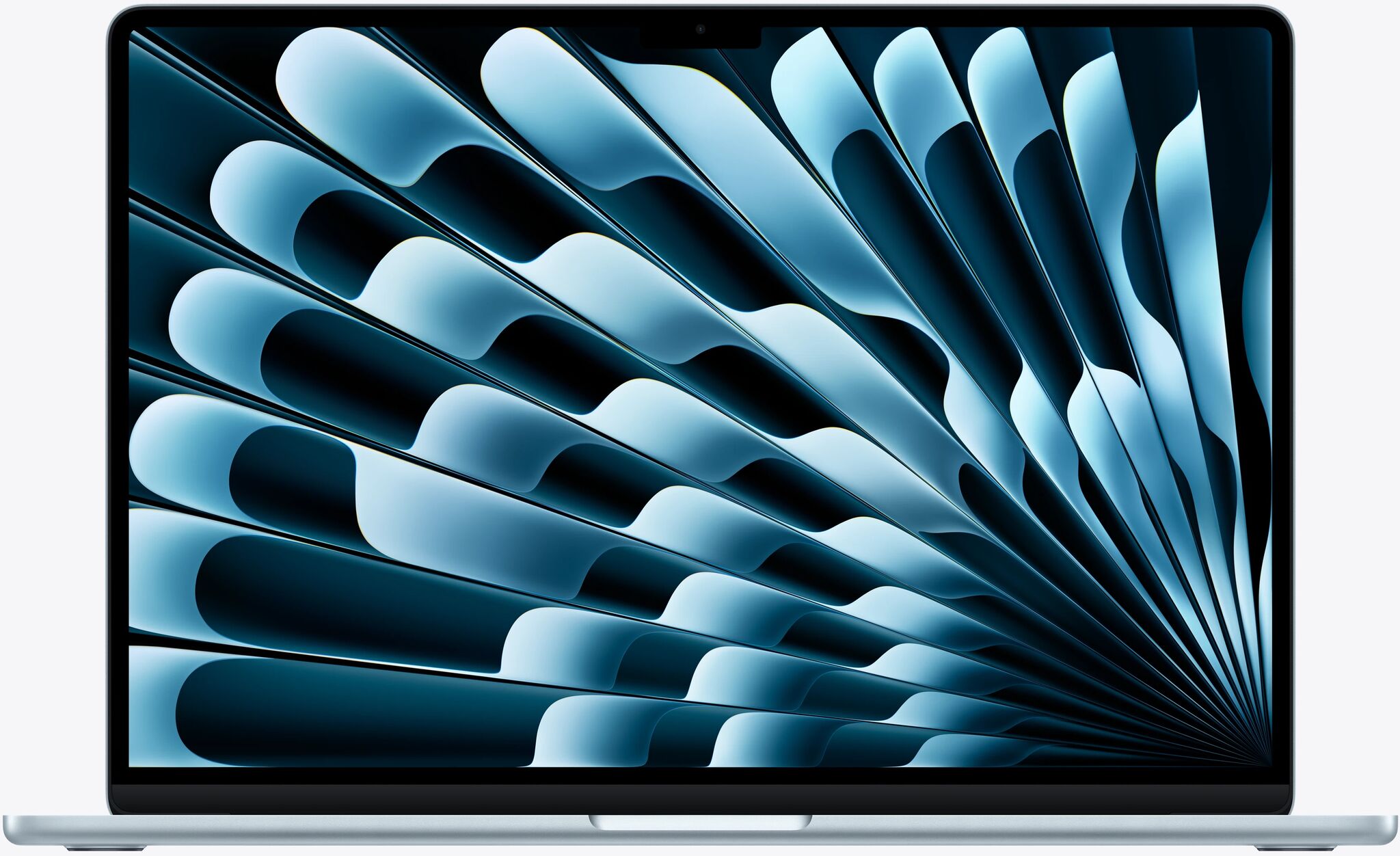
MacBook Neo vs MacBook Air: your questions answered
Is the MacBook Neo worth buying in 2026?
Yes, for everyday users, students, and first-time Mac buyers. Full macOS, Apple Intelligence support, and better value vs Windows and Chromebook laptops at the same price. Not the right choice for professional creative workflows.
What is the biggest real-world difference between Neo and Air?
The 8 GB RAM ceiling combined with a 4x slower SSD. Light tasks feel identical on both. Under sustained heavy load, the compound effect of needing more swap space and having a slower drive to swap from makes the gap noticeable.
Can the MacBook Neo handle video editing?
Short social clips, yes. Long 4K projects take significantly longer than on the Air and push the Neo's limits. For professional video production, the Air M5 is the better choice.
Is the MacBook Air M5 worth €500 more?
For creators, developers, or anyone planning to keep it four-plus years: yes, clearly. For email, browsing, and Office apps, the Neo handles all of that without compromise.
Can I get a MacBook Neo and an iPad for the price of one MacBook Air?
Roughly yes. A Neo plus an entry-level iPad comes to approximately MacBook Air M5 pricing, a strong dual-device setup for buyers who want both a laptop and a tablet. Browse MacBooks on refurbed.

Sign up for our newsletter for the first time and save 400 Kč!
Never miss an offer again.
Information about the use of personal data can be found in our Privacy policy.
Get the refurbed app
For iOS and Android


Confirm sign-up
Click the link in our confirmation e-mail to receive your voucher. It will be applicable to purchases from 5000 Kč.
- © Refurbed Marketplace GmbH
- Accessibility
- T&C
- Privacy Policy
- Imprint
- Legal Notices
- European Data Act
- Cookie Policy